Production tools: everything production can do on the timesheet link
1 min 24 sec
RosterDeck gives the production contact a secure link that opens in a browser with no account, no password and no app, on a phone at unit base or on a laptop in the production office, and it holds the whole day: the payments the shoot owes, every artist on the call, the working behind every figure, catering, signed documents, exports and a plain-English assistant. This walkthrough follows one shoot day, twelve cast on Harbour Lights IV, entirely from production’s side.
Every action in this walkthrough corresponds directly to RosterDeck’s live production features. Click any timestamp to jump to that moment.
Banners at the top catch money the shoot day owes but has not recorded, and settle it in one action.
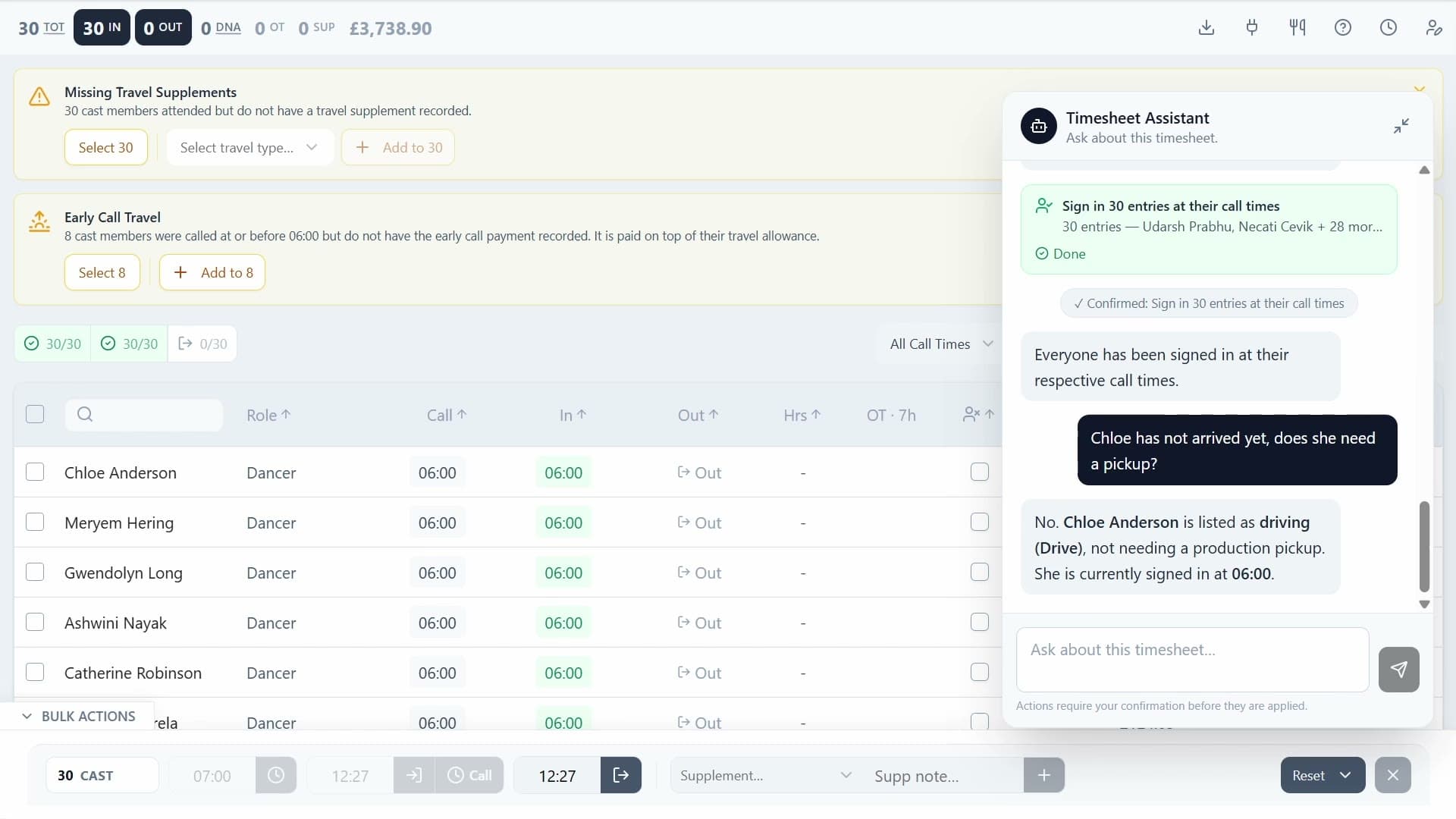
The timesheet watches for payments the day has earned but nobody has entered. Cast called at or before 06:00, or 07:00 on a Sunday or bank holiday, are owed early call travel on top of their travel allowance, and cast who attended with no travel supplement at all are flagged separately. Each banner offers Select, which filters the grid down to exactly those people, and Add, which applies the supplement to all of them after one confirmation. Every supplement is priced against the rate card the agency bound to the job, so production are never deciding an amount.
Hover a name for the artist behind it, search to pull one person out of a full unit, and sign them in on the row.
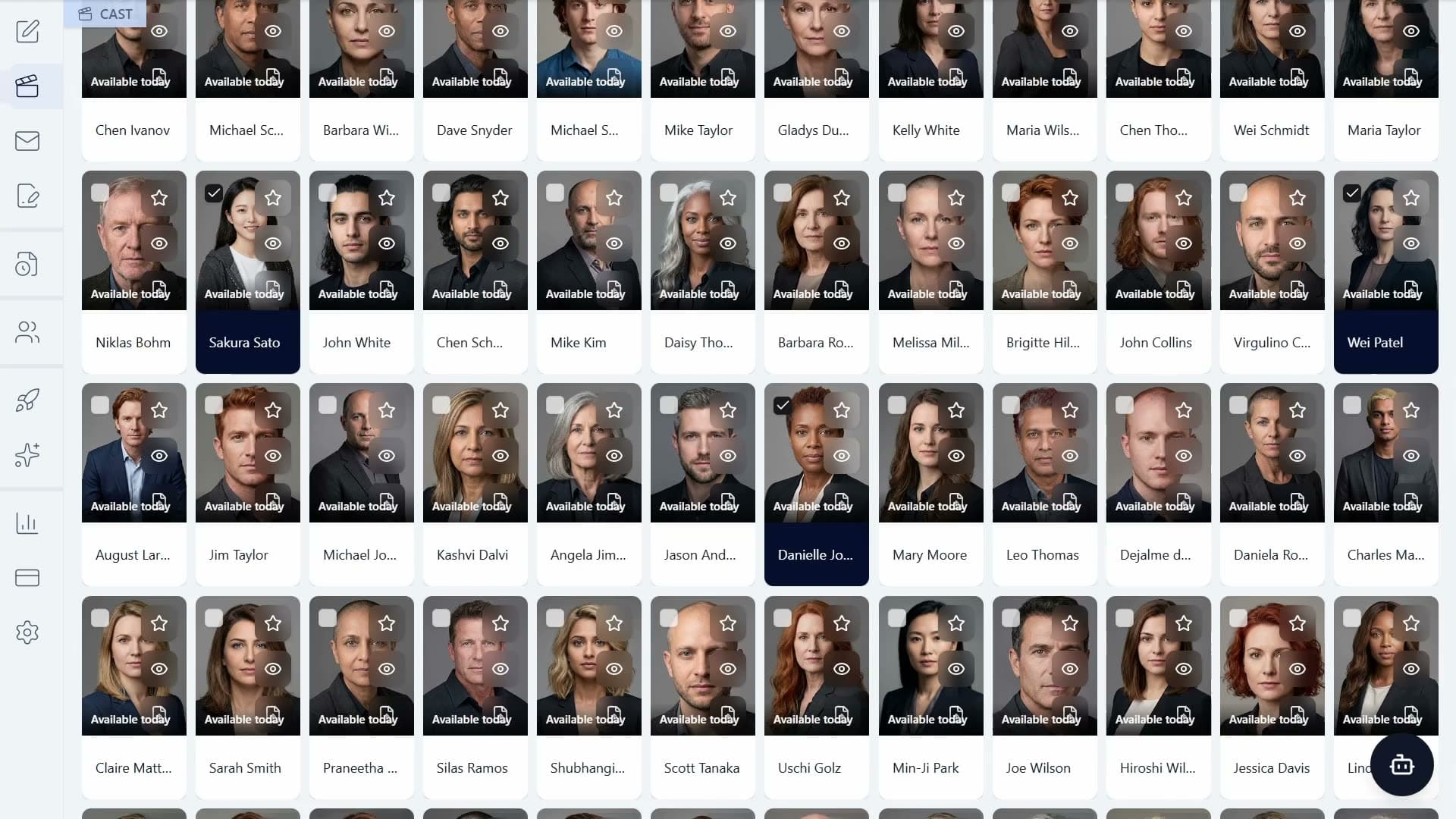
Hovering any name opens a card with that artist’s photo, how they are getting to set, and who last changed their row. Their phone and email appear there too when the agency has ticked contact details through to the link. Search by name to cut a full unit down to one person, then type the sign-in time straight onto the row: hours, overtime and the totals all follow it immediately, and an undo sits in the confirmation for a few seconds in case it was the wrong row. Cast can also be signed in individually, by role, or all at once from the bulk actions bar.
Every chit opens its own itemised breakdown, and so does the job total at the top of the page.
Hover a chit and it shows its full working: the basic pay with the day rate behind it, the overtime with the hours charged and the rate that was actually applied, including the split where part of it falls at the night rate, then each supplement listed under its own name, and holiday pay at the rate card’s percentage. The job total at the top of the page breaks down the same way across day rates, overtime, supplements and holiday pay, says how many of the cast it has counted so far, and moves as times are entered. Nothing on the page is a lump sum production have to take on trust.
A catering sheet for the kitchen, and an onset summary of the counts on screen.
Production catering gets a download of its own: a spreadsheet of every cast member on the date with their role, call time, dietary requirements and allergies, sorted by call time so the kitchen can read it in serving order. The onset catering summary shows the same picture on screen as counts, with how many cast have consented to share their dietary information, the spread of dietary preferences, and every allergy and intolerance on the date with the number of people it affects. Catering always covers the whole date, because kitchen numbers cannot be filtered down to a role.
Signed release forms and NDAs download per artist or for the whole unit, each with its audit trail.
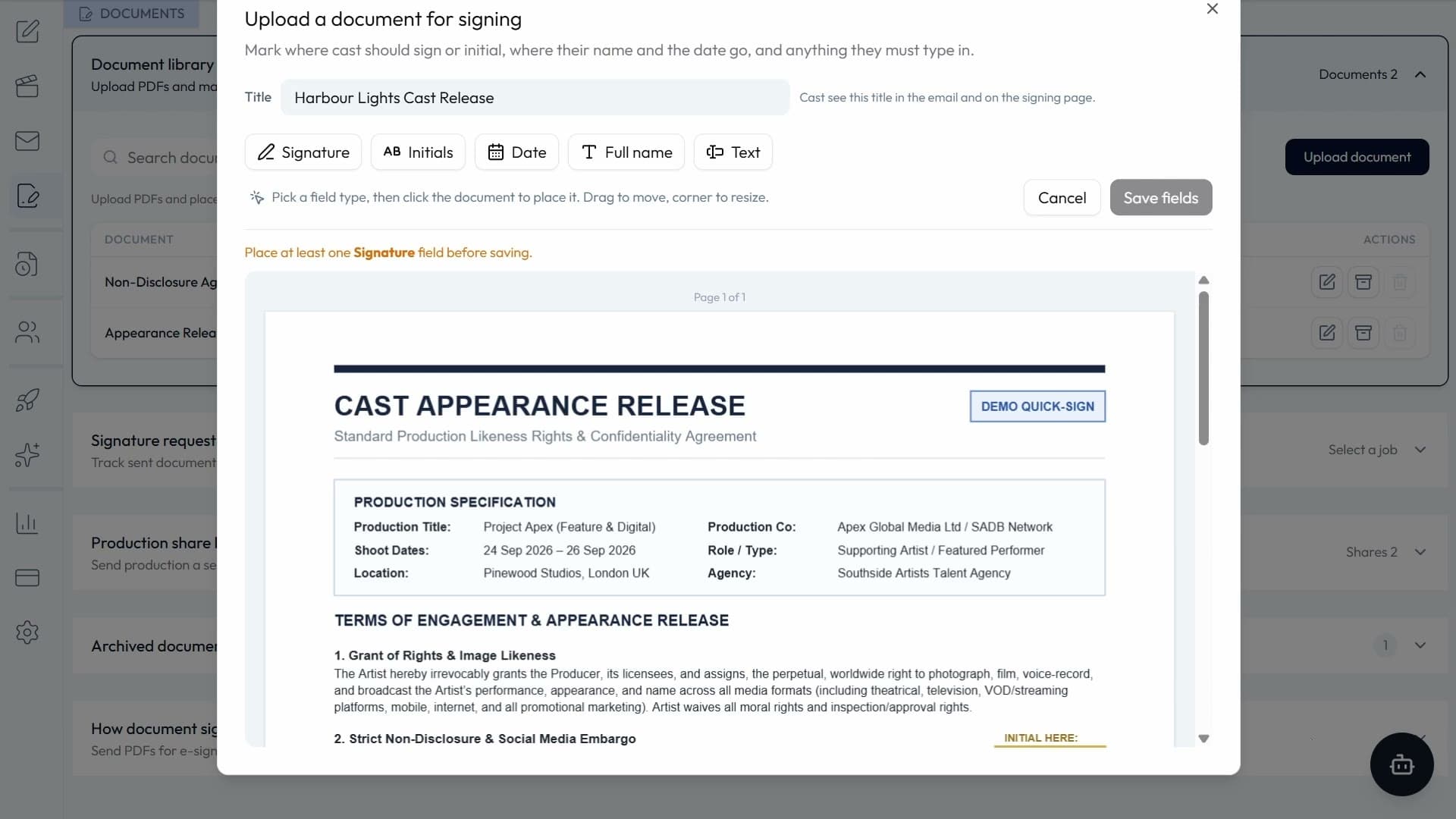
The document column shows what each artist has signed and what is still outstanding, with the document title and the date it was signed. Click a row to take that artist’s signed PDF, or use the toolbar to take every signed document on the date, on whatever you have filtered, or on just the cast you have selected. Either way the download is a zip holding the signed PDFs and an audit trail spreadsheet, so a release form or an NDA can be evidenced on the spot without going back to the agency for it.
Four exports, from a basic call sheet list up to times, hours, overtime, supplements and totals.
Export names and call times as a basic call sheet list, add travel preferences to it, add phone and email where the agency shares contact details, or take the full timesheet with times, hours, overtime, supplements, pay and totals. Whatever is filtered or selected is what the export covers, so a single role, a single call time or one group of cast comes out on its own rather than needing to be cut down afterwards.
A live data link into Microsoft Excel or Google Sheets, with no copying and pasting.
Where the agency has switched it on, the timesheet pulls straight into Microsoft Excel through the Data tab and From Web, or into Google Sheets with a ready-made IMPORTDATA formula that is pasted into a cell. Excel refreshes on demand, Sheets refreshes itself about once an hour, and the link reaches this one timesheet and nothing else in the agency’s system. It expires shortly after the shoot day, after which a refresh shows an error or keeps the last saved data, and anyone holding the link can read the timesheet, so it is kept private like any other link on the page.
Plain English for anything on the page, with every change confirmed before it is applied.
The assistant takes plain English. Sign people in or out by name or role, set call times, add a supplement, mark a no-show, reset a row that was entered wrongly, add a note against an artist, or submit the timesheet at wrap. It answers questions about the day as well: the overtime so far, what supplements have been added and to whom, the catering counts, and who has signed what. Anything that would change the timesheet comes back as a proposal card naming exactly what it would do, and nothing is applied until production confirm it on screen.
Built specifically around UK film, television, and commercial casting standards.
The whole timesheet runs on one tokenised link in any browser, with no login, password or app to install, on a phone at unit base or a laptop in the production office.
Basic pay, overtime, supplements and holiday pay are all priced against the PACT/FAA, PACT/Equity or BBC/Equity rate card set on the job, and every chit shows its own working.
Early call travel and missing travel supplements are caught by the timesheet itself and applied to everyone they affect in one confirmed action, instead of surfacing at payroll.
Call sheet lists, the full timesheet, the catering sheet and signed documents with their audit trail all come off the same page, and the timesheet can feed a live Excel or Google Sheets file.
Common questions about how this workflow operates in RosterDeck.
Other walkthroughs covering the rest of the platform.